How can I change a language's flag?
Open Language in GLC, then use the option for the language you want to change.
- For your default language, click the flag next to Your store's default language at the top of the page.
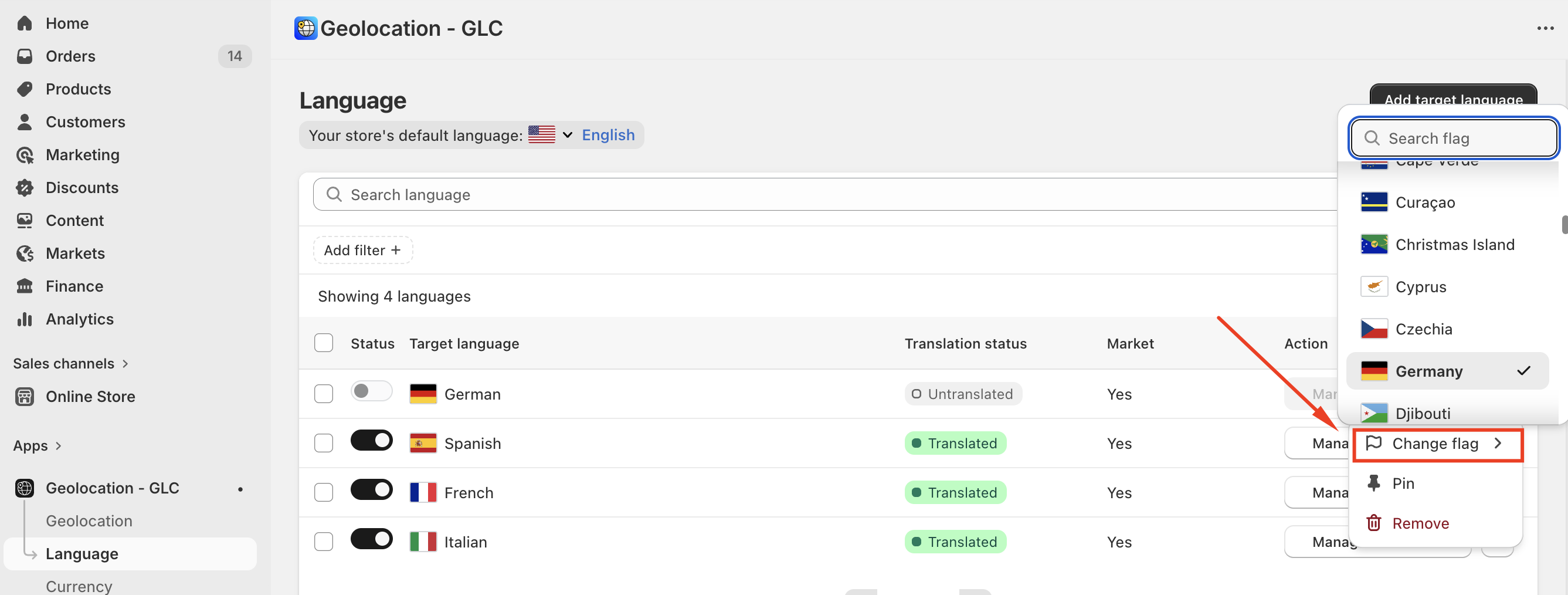
- For a target language, open its ⋯ menu and select Change flag.
Choose the flag and save your change. For example, you can select the UK flag for English.
The flag is a display choice in the Selector. Translations continue to use the language's existing locale.
If the new flag doesn't show in your Selector after you save, email us at support@gelacy.app with your storefront URL. We'll take a look.