Can I import or export translations as a CSV file?
GLC currently doesn’t support CSV import or export in the app. You can use Shopify’s CSV tools to import and export translations saved in Shopify.
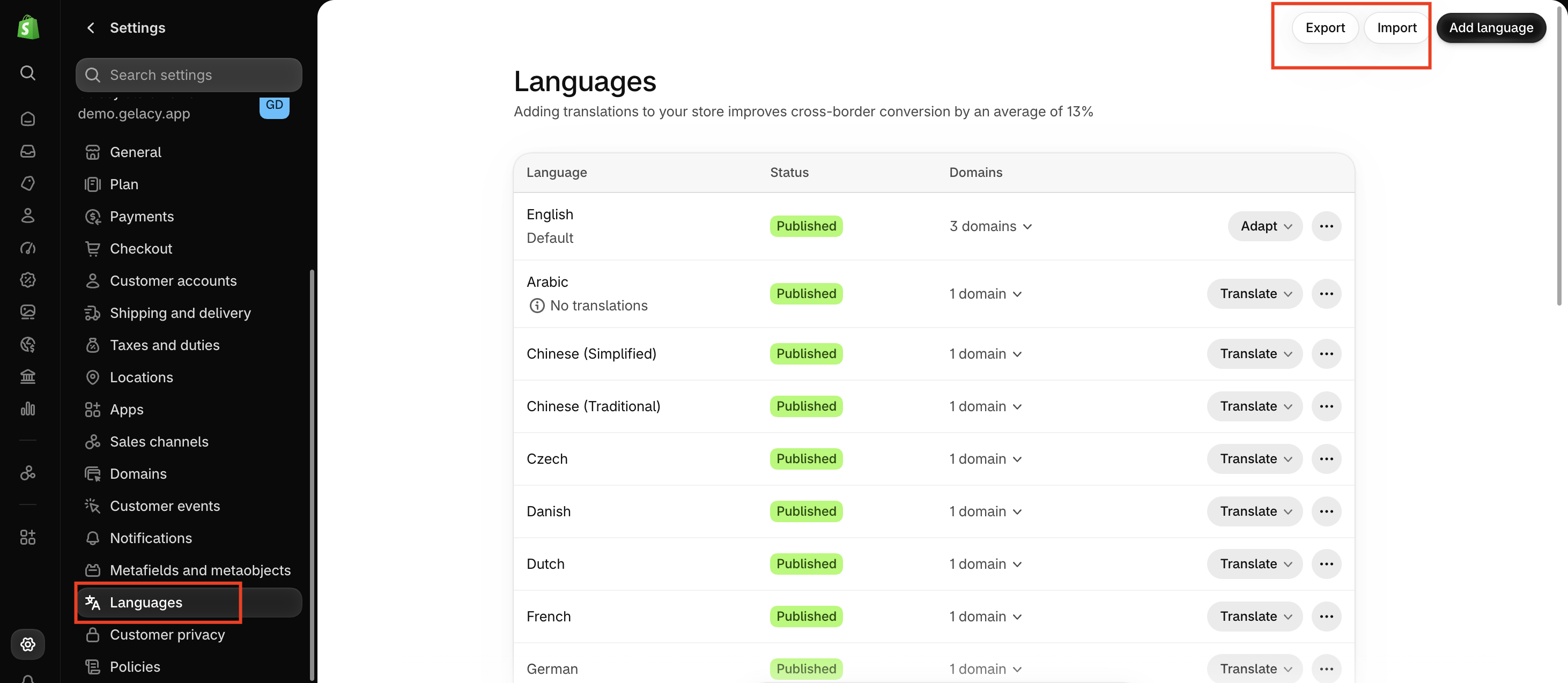
Export translations
- In your Shopify admin, go to Settings → Languages.
- Click Export and choose the languages and content you want to export.
- Confirm the export. Shopify will email you the CSV file.
Import translations
- Prepare your CSV file using Shopify’s translation CSV format.
- In your Shopify admin, go to Settings → Languages.
- Click Import and upload your CSV file.
- Select Overwrite any existing translations if you want to replace matching translations already saved in Shopify.
- Confirm the import.
Which translations can I export?
Shopify’s CSV export includes translations saved in Shopify. GLC’s Auto Translation translates content as customers browse your storefront, so those translations aren’t included in the CSV.