Can I edit product option and variant translations?
Yes. Open Language → Manage translation → Product, click View details next to the product, and find Product option name and Product option value.
Enter the translated names and values, such as Size, Color, or Material, then click Save. Depending on your plan, you can also use Improve translation with AI for that product.
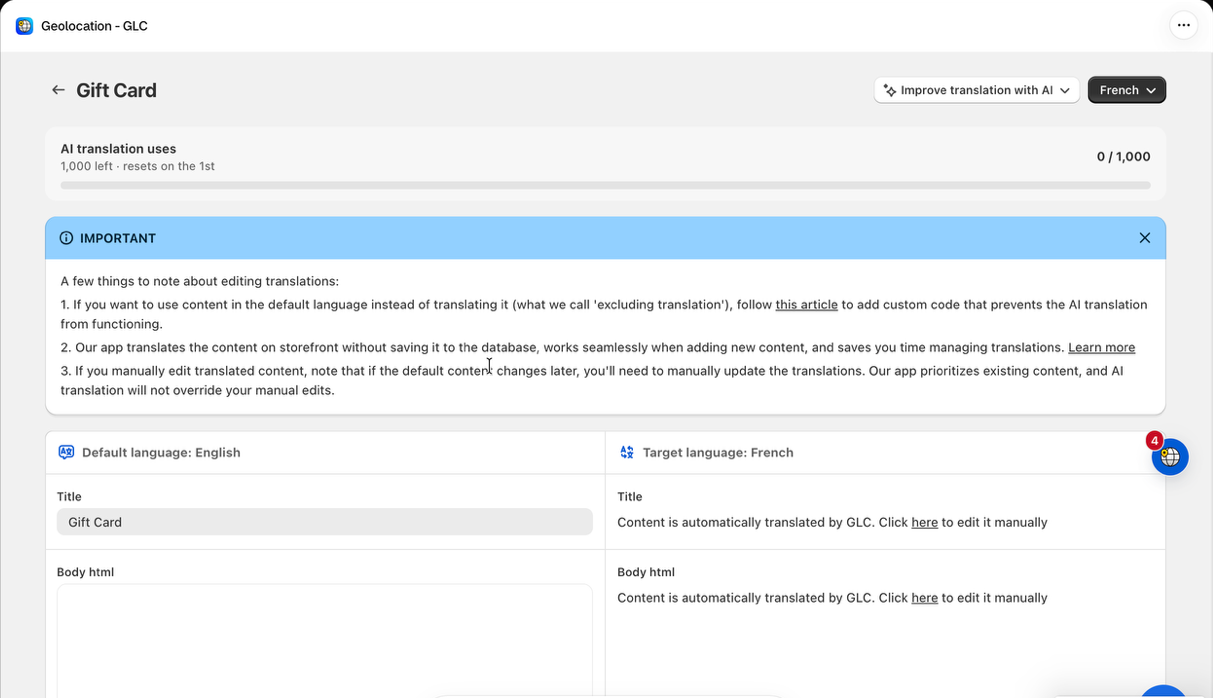
Check the product page after saving. Text hardcoded in a theme may need to be edited in a different resource. See Edit translations.
If you can't find an option name or value to translate, email us at support@gelacy.app with the product URL and target language. We'll help you find it.