Can I translate Shopify customer notification emails in GLC?
Yes. You can edit translations for Shopify customer email templates listed under Notifications in GLC. Common examples include:
- Order processing emails, such as order confirmations, draft order invoices, and shipping confirmations.
- Local pickup emails, such as ready-for-pickup and pickup confirmation emails.
- Local delivery emails, such as out-for-delivery and delivery confirmation emails.
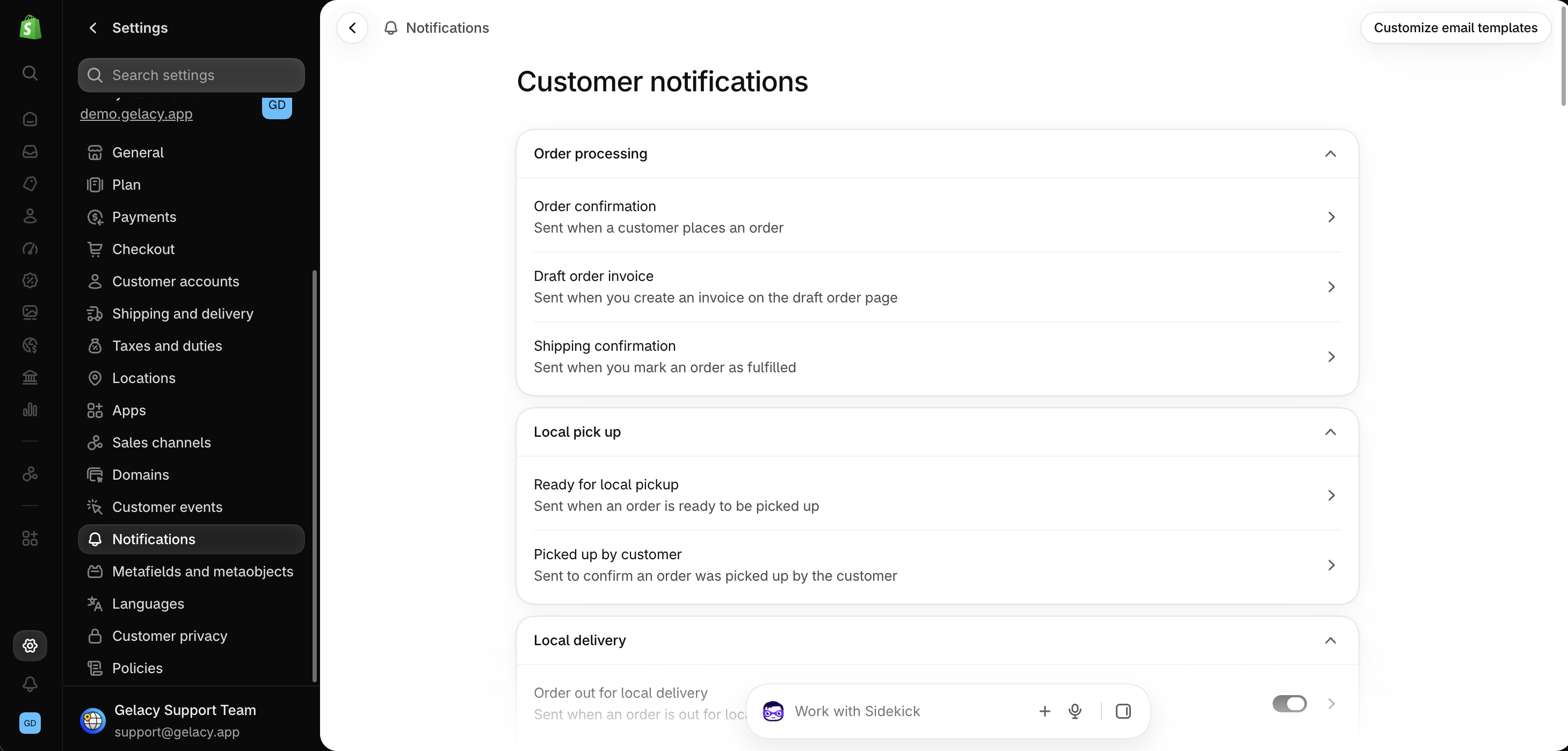
How to edit a notification translation
- In GLC, go to Language and open Manage translation for your target language.
- Open Notifications and click View details next to the email you want to translate.
- Edit the translated text and click Save.
Keep the template code intact
Edit the wording customers see and keep the Liquid variables and HTML structure intact. For changes to the email layout or design, go to Settings → Notifications in your Shopify admin.
For emails sent by a third-party app, check that app’s translation settings.
If you can’t find a Shopify notification in GLC, send the notification name and target language to support@gelacy.app. We’ll help you check.